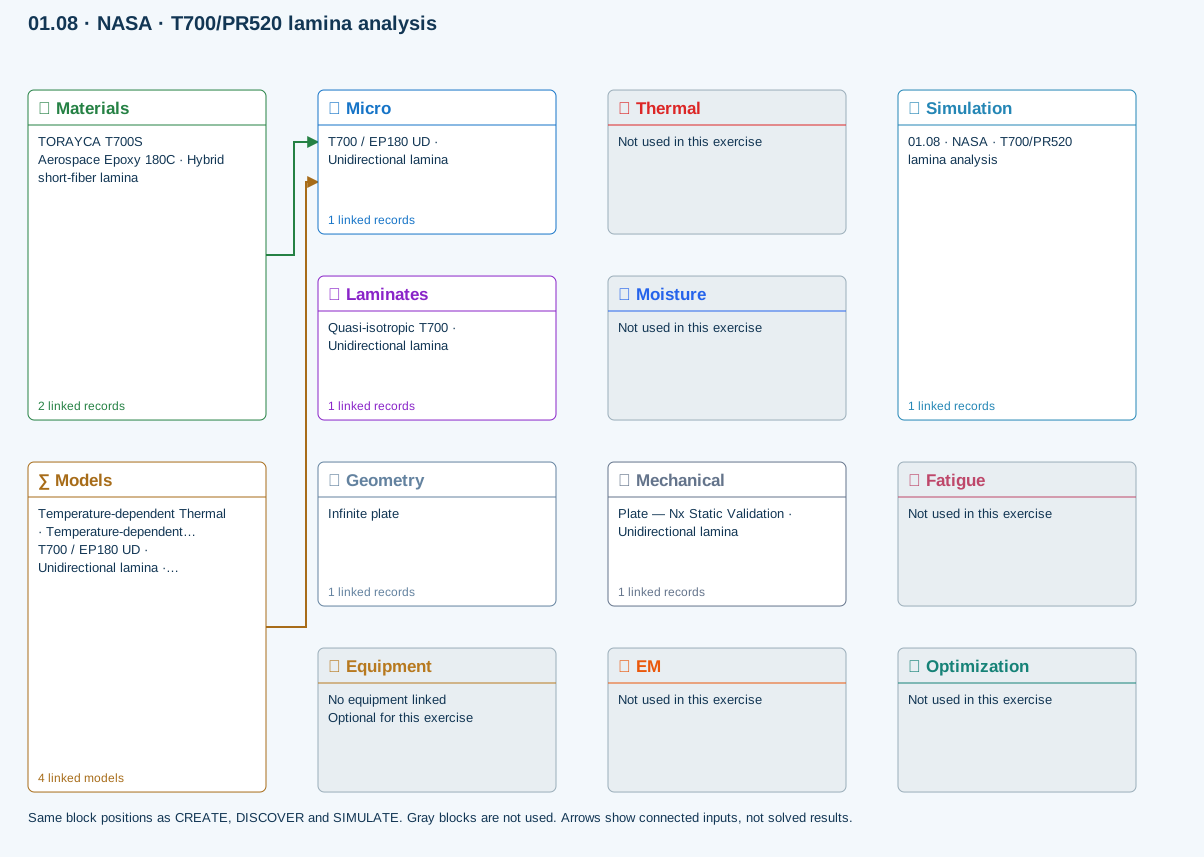
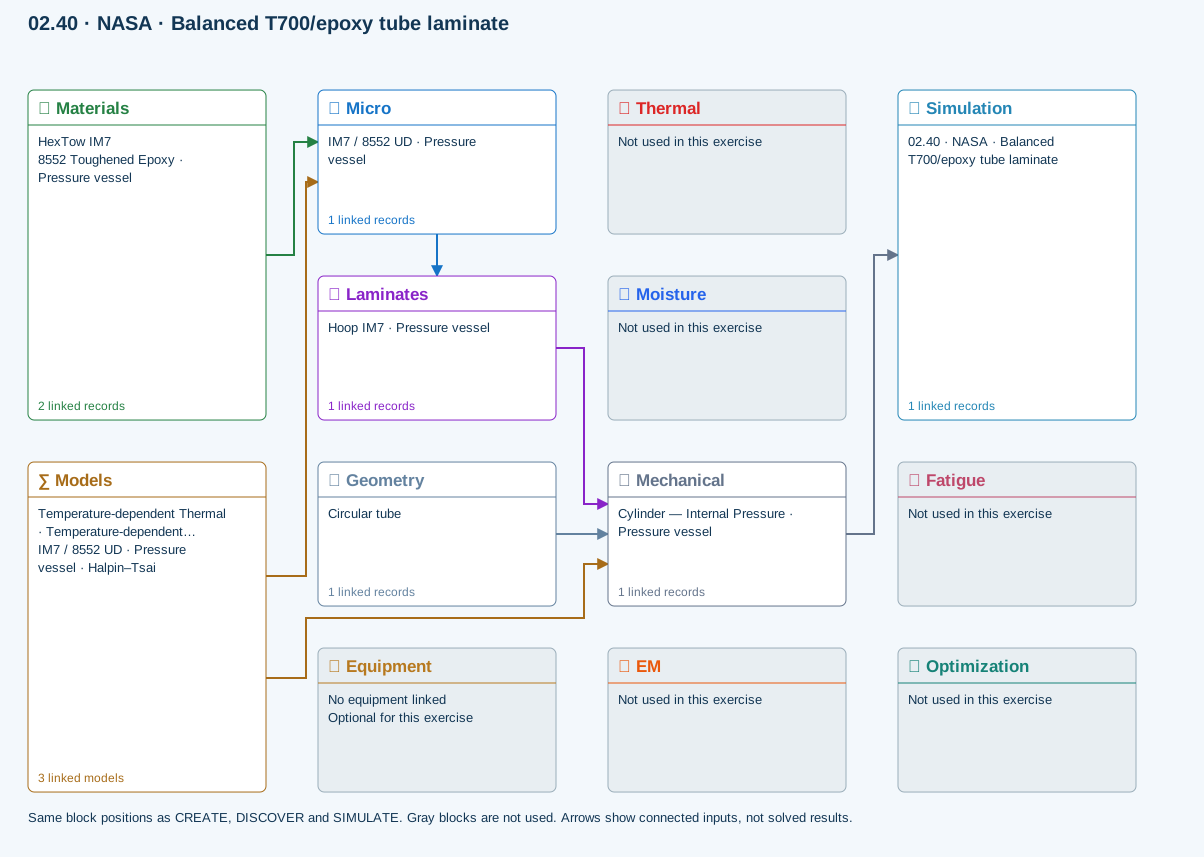
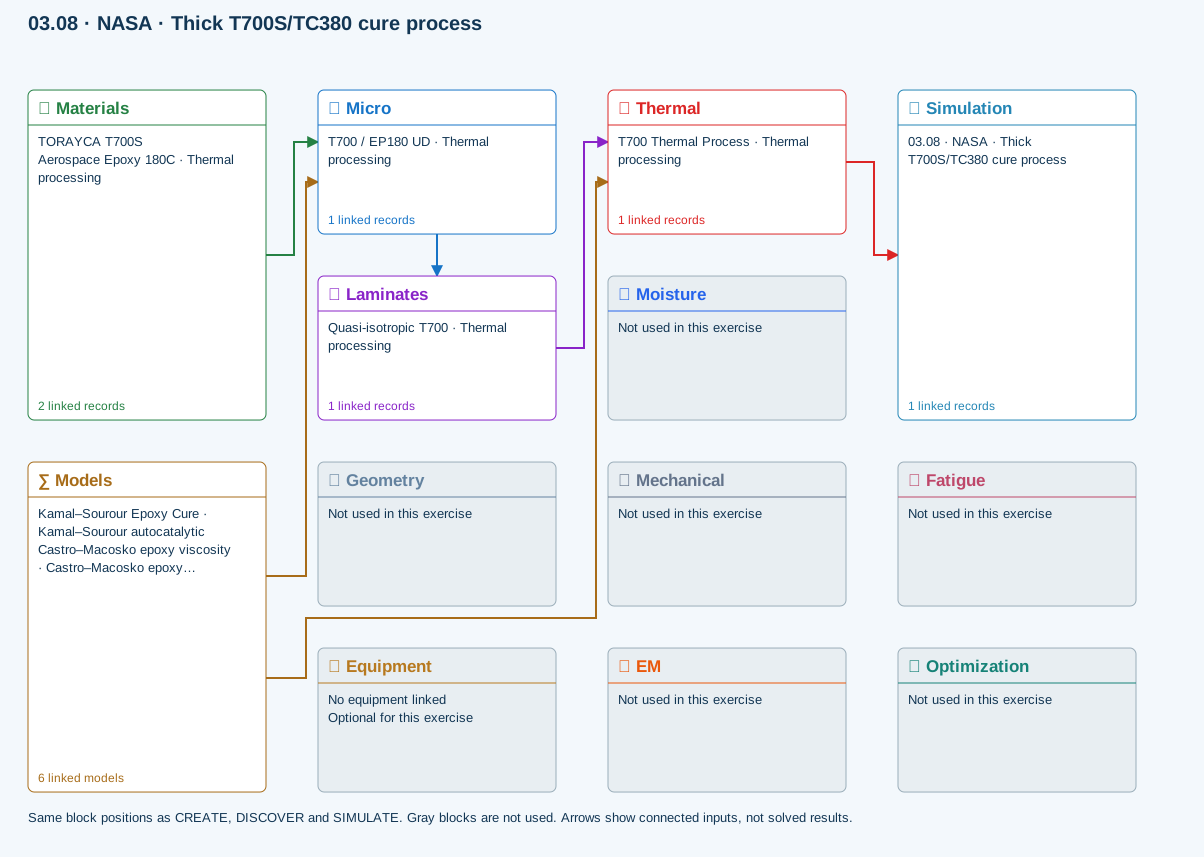
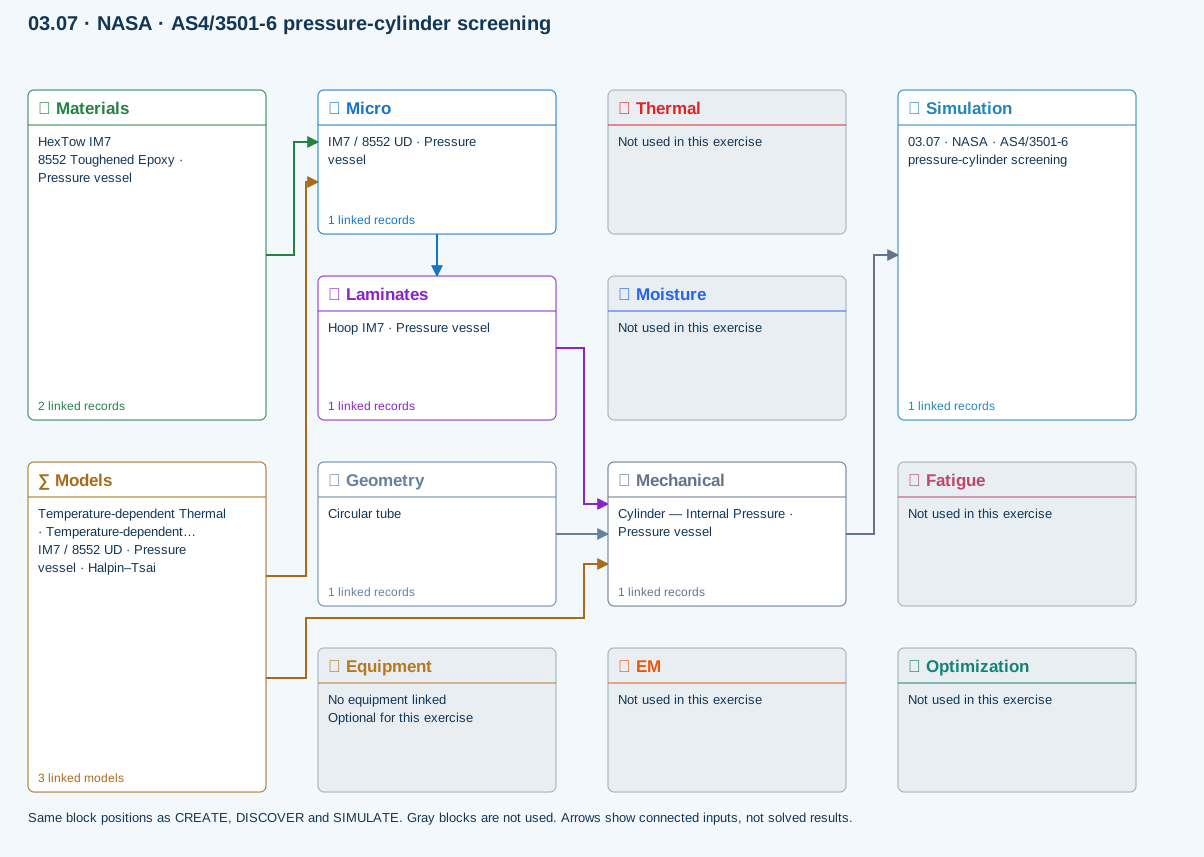
Each study starts with a real public engineering example, shows exactly what to build in CDS, defines review checkpoints, and distinguishes a learning comparison from a qualified design value.
Current Workbench, reference editions and downloads
Use the online User Guide for current controls, the released model directory for selectable models and compatibility, and the Training Manual for connected exercises. Wider theory references do not mean every formulation is enabled in Workbench.
Screenshots and download editions carry revision dates; consult the current chapter for updated Workbench instructions. Find the overview PDF, guides and exercise databases in Your CDS library.
Instructional ratings describe setup and interpretation effort, not solver accuracy or license access. Existing catalog stages remain separate. Estimates include setup, comparisons and interpretation; they are not solver runtimes and will vary with experience.
Foundation — a single basic material or micromechanics relationship.
Developing — orientation, short-fiber comparisons or an introductory laminate setup.
Intermediate — a structural response, transport history or process study.
Advanced — coupled fields, nonlinear response or optimization with more interpretation.
Integrated — a multi-field study combining thermal, moisture and mechanical effects.
The numbered ring fills as difficulty increases. The clock fill indicates walkthrough duration on a two-hour scale; the adjacent number gives the estimate in minutes. These initial ratings are assigned from the model scope and curriculum stage and can be refined by instructors.
4 of 4 resources
Exercises
Click to preview · double-click or Enter to open in Workbench.
How the shared curriculum works
Read the reference
Select an exercise from the shared CDS database
Trace inputs in Simulation
Run and inspect fields
Compare checkpoints and record limits
SIMULATION selects the Thermal, Moisture, Mechanical and EM cases to run, with None available in each slot. Geometry owns shared specimen dimensions; Laminate owns plies and thickness. Equipment, directly below Geometry, owns reusable laser, IR/UV lamp, heater, cooler and mold specifications. Cases link that hardware to its placement and exposure; a boundary temperature alone does not imply a hardware model. Each case owns one analysis model, its applied conditions and its applicable cycle; there is no separate Process block. Surrounding blocks manage available records. Run updates results; completed does not mean validated or passed.
All 140 exercises, examples and case studies select connected records from one shared default database. Opening an exercise does not add duplicate materials. Changes to shared records affect studies using them; duplicate a record for an independent variation. Downloads provide self-contained subsets of that database and require sign-in and an active CDS license. Exercise links open the matching guide; they do not run a solver or replace your database. Historical files remain in a separate portal archive.
Catalogue revision 2026-09-20. Source-data case studies require the setup and calibration described in their guides.