
04 / Workbench guide
Explore the Workbench
from model setup to results.
Choose a stage, inspect its Workbench view and follow the linked guide or exercise. Keep the input records and assumptions behind each result visible.
CREATE · DISCOVER · SIMULATE
Start learning: the CDS curriculum
Follow connected exercises from your first laminate to process, loading and structural studies. Choose a topic or model, then work through the setup, tasks and checkpoints.
Explore the complete curriculum →First time? Start here →Select a block to explore its inputs, results and theory. Run the engineering solvers in Workbench.
Materials
Traceable constituent properties
Start with source-aware elastic, strength, density and transport data. Teaching records help you explore; qualified design requires appropriate allowables.

Fatigue is optional and separate from progressive failure. An S–N life prediction is not a stiffness or strength reduction. Finite-plate CLT/FSDT and thick-wall cylinder studies have their own limits; they do not automatically include every process or failure model.
Explore this section
9 destinationsGetting Started
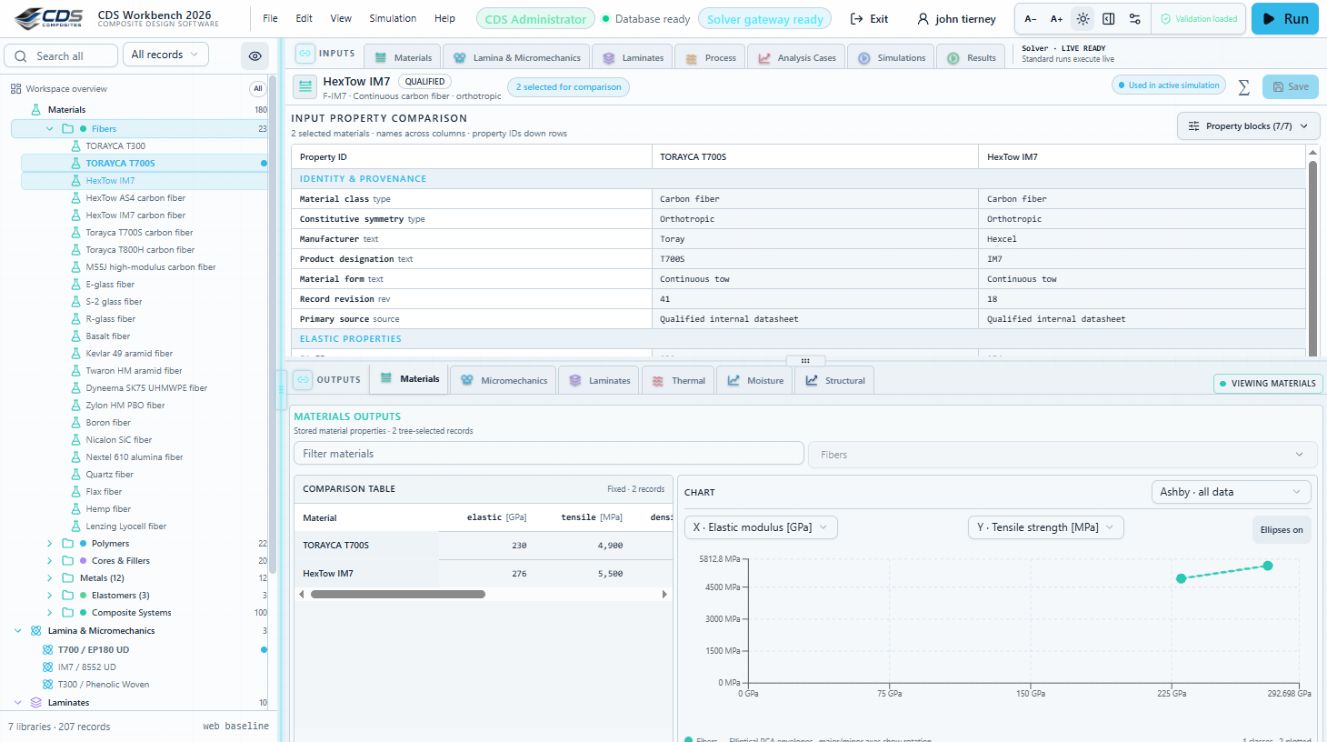
Sign in, open the Workbench, understand the project tree, and make your first safe GUI edit.
Workspace & Navigation
Learn the compact Project Manager tree, run controls, result views, editors, and live simulation summary.
Materials
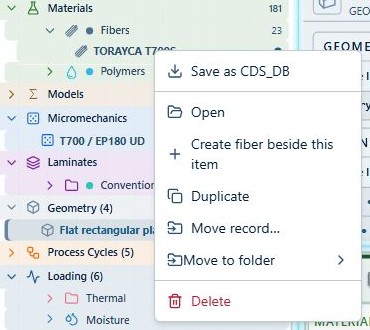
Add, edit, duplicate, move, classify, lock, unlock, and delete material records.
Laminas & Laminates
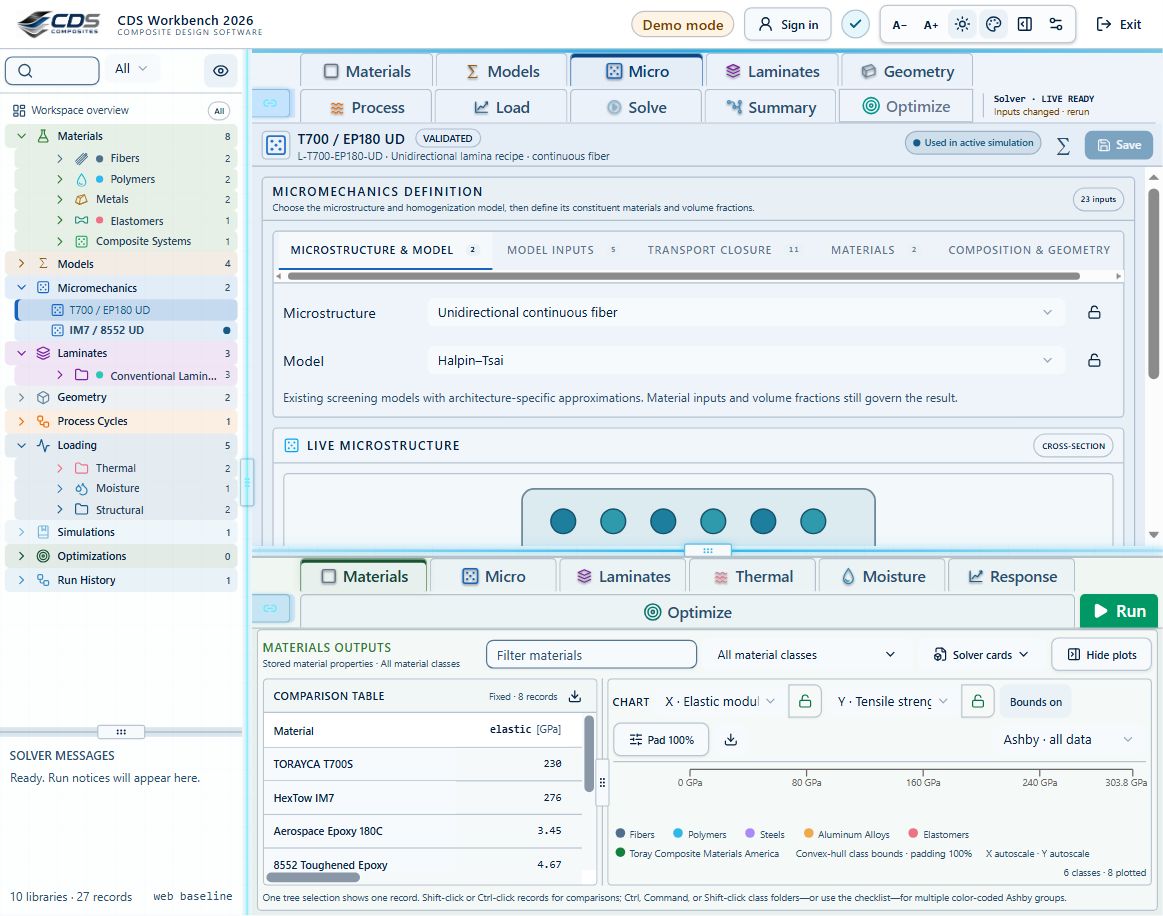
Connect constituents, build ply stacks, review effective results, and create reusable materials from predictions.
Processes & Simulations
Solve steady-state or transient cases, include cure exotherm and cure-dependent modulus, optimize process cycles, preview LiveLoad vectors, and inspect result provenance.

Interface & Effective Use
Use responsive navigation, locally saved settings, scrollable tables, 2D/3D plot controls, exports, record actions, and local data tools efficiently.
Connected Workbench & Live Sync
Follow model dependencies, live and saved results, source-aware material records, grouped tree moves, multi-count duplication, boundary histories and comparison workflows.

Failure, Design Maps & Optimization
Set up failure envelopes and progressive analysis, explore 2D/3D carpet and microstructure maps, run laminate searches, save snapshots and compare studies.

Videos
Explore videos.
→