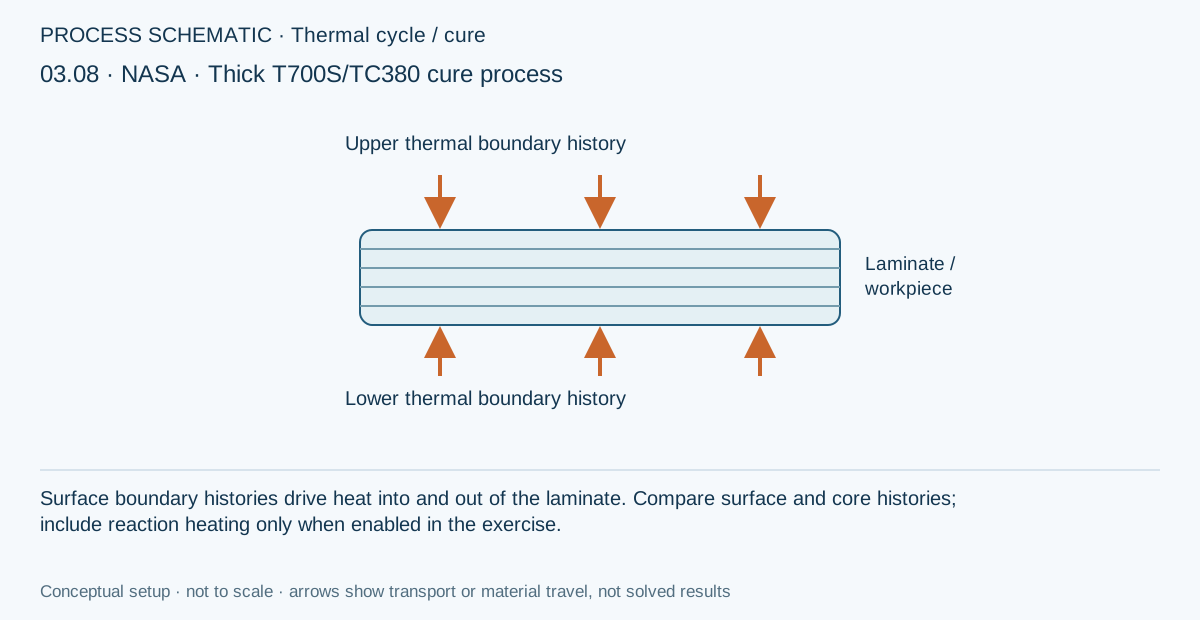
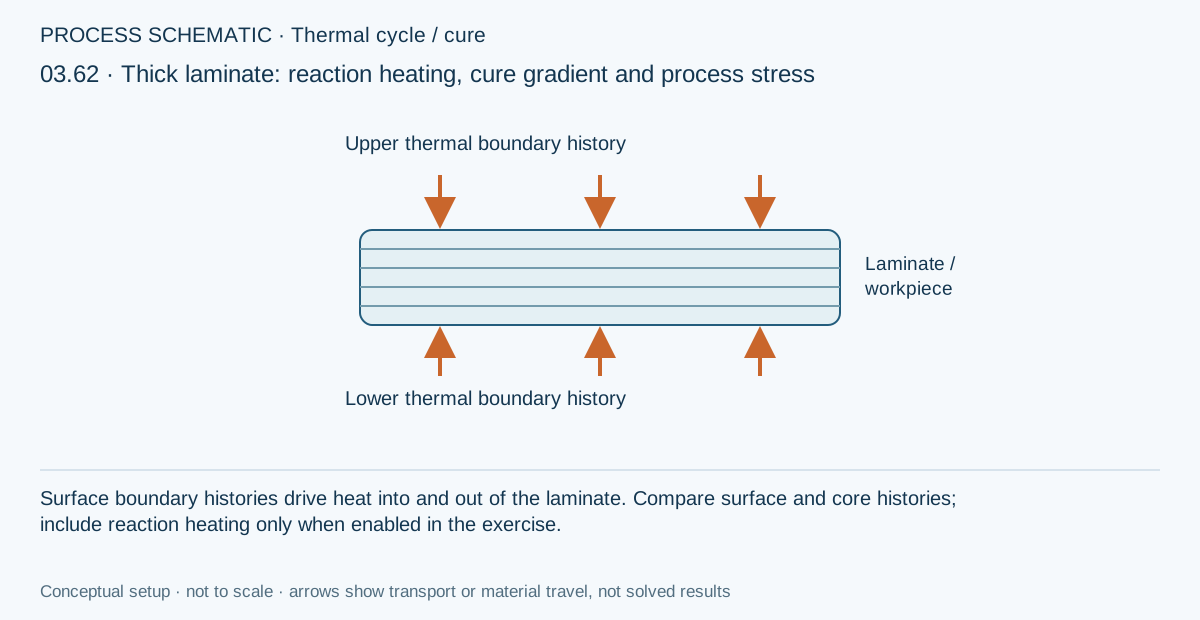
Independent boundary schedules
Thermal and moisture loads each need compatible material properties, a laminate, initial conditions and their own surface schedule.
Workflow / 03.4 Processing
Solve steady-state or transient through-thickness process response before structural analysis, using effective ply transport properties, independent top and bottom schedules, cure exotherm, cure-dependent modulus, polymer kinetics, water uptake or release, and process-cycle optimization.
Continue the processing workflow with mounted specimens, connected test equipment and calculated response plots. Start with D3039 tension, D7264 flexure, D2344 short-beam screening, or D3518 ±45° shear. Browse all test methods →
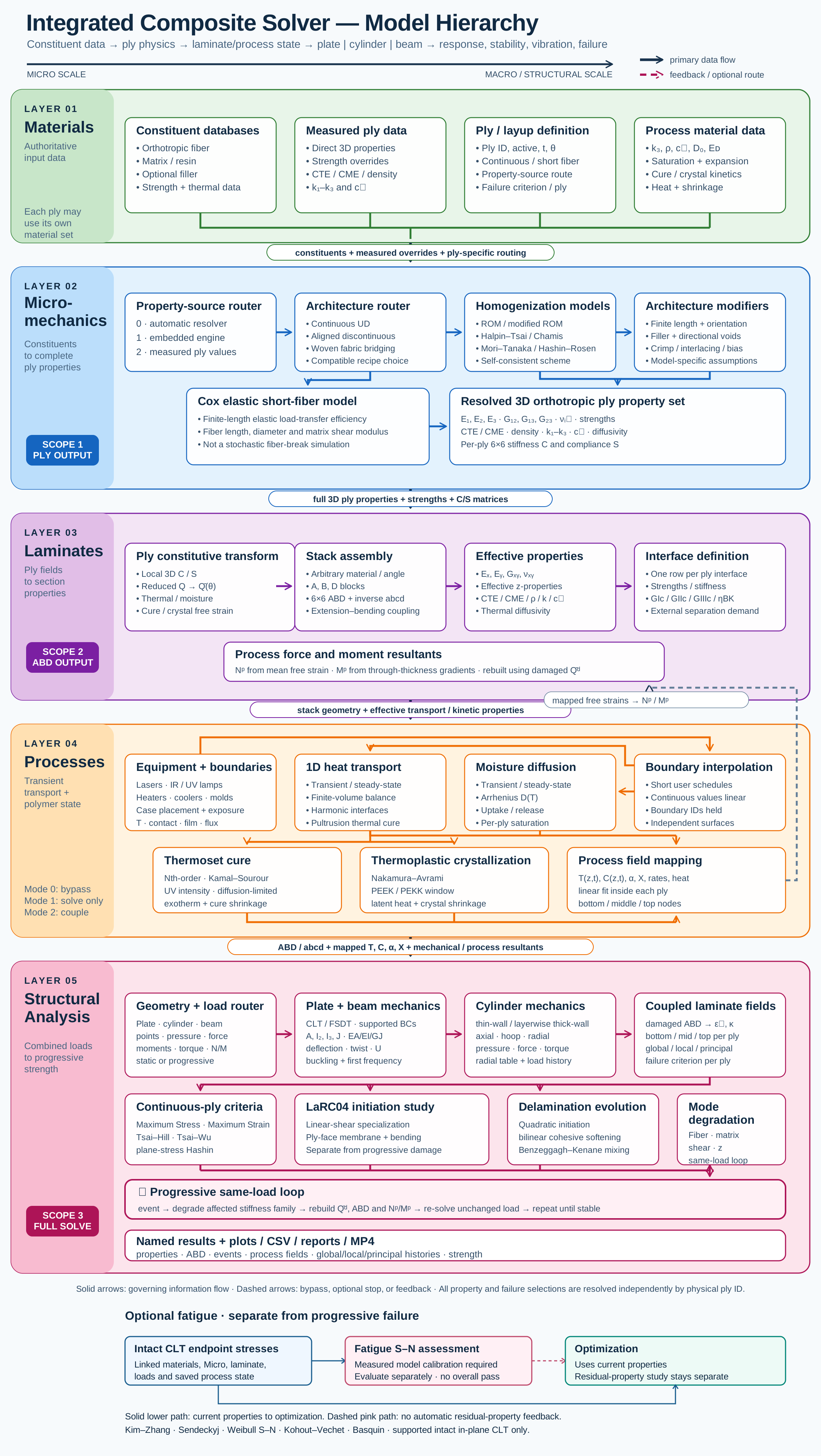
Connected model layer
Select a block to explore its theory or workflow. View the complete Model Map
Pultrusion now uses linked heating and cooling dies with explicit contact intervals. Open the die setup and thermal-contact guide for placement, equations, example settings and limits.
Equipment stays directly below Geometry in CREATE, DISCOVER and SIMULATE. Select reusable lasers, IR/UV lamps, heaters, coolers or molds, then connect them to the applicable thermal boundary. Equipment owns hardware dimensions, power or temperature, contact conductance, vendor and surface-material details; the case owns position, angle, side and exposure timing.
Changing a hardware record updates every boundary using it. Duplicate it first when a change should apply to only one installation. Rollers retain their Geometry records. A convection boundary can remain a prescribed environment without an Equipment record.
Explore the multi-zone pultrusion exercise →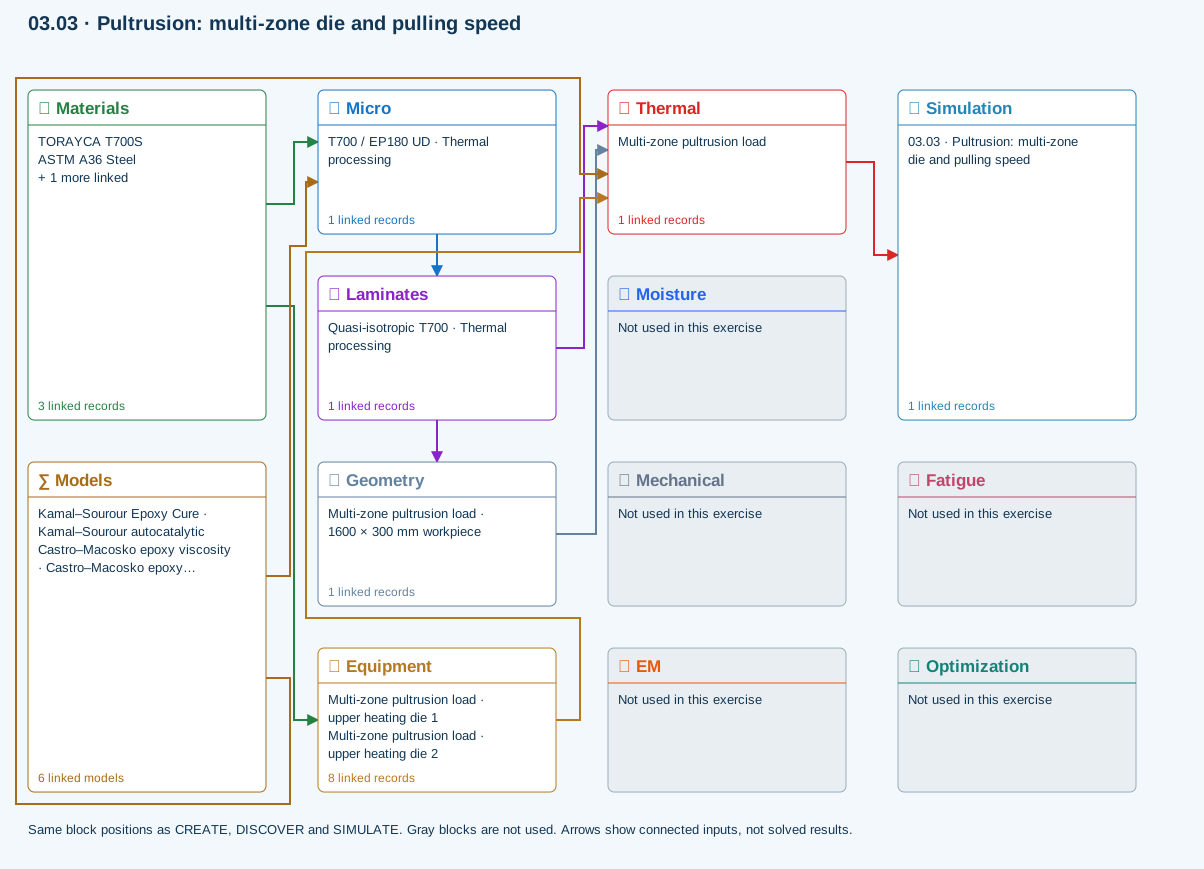
All blocks keep the CREATE / DISCOVER / SIMULATE positions, with Equipment below Geometry; unused records remain disconnected. This changes the view only, not the exercise records.
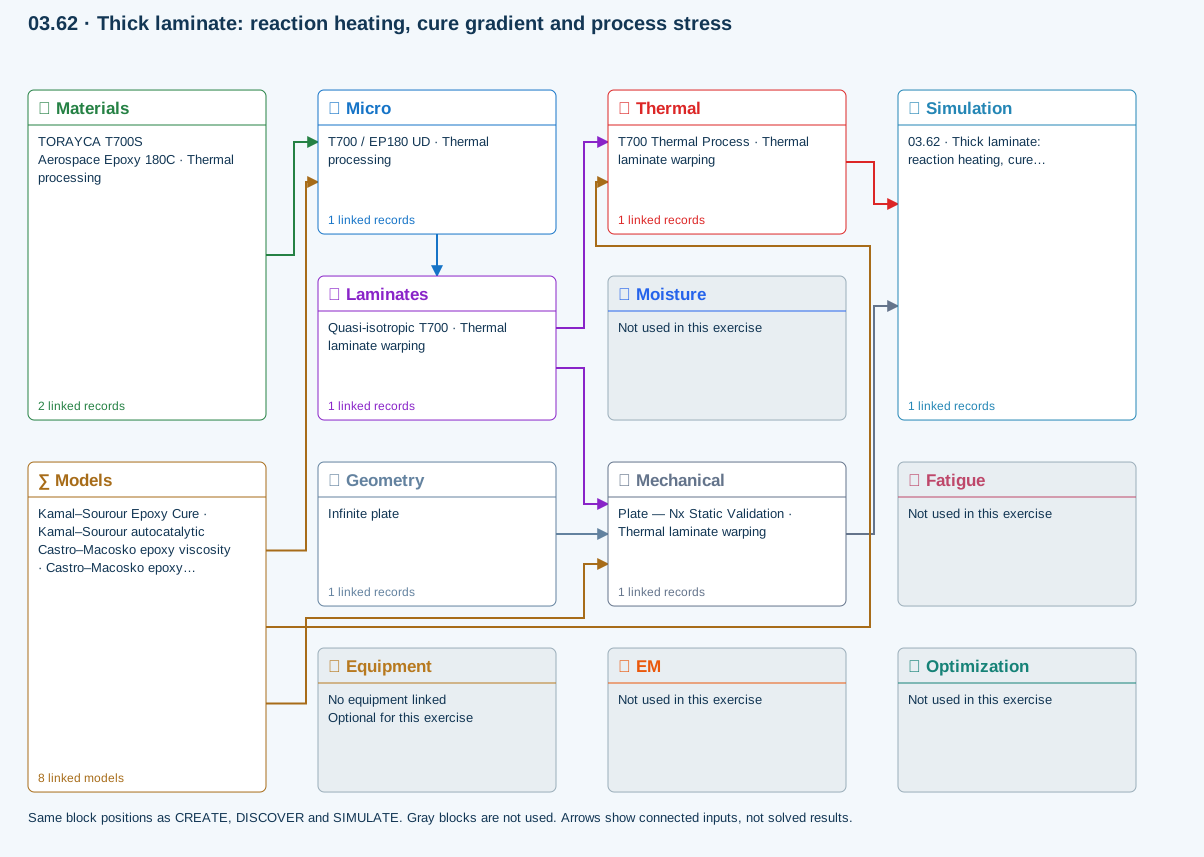
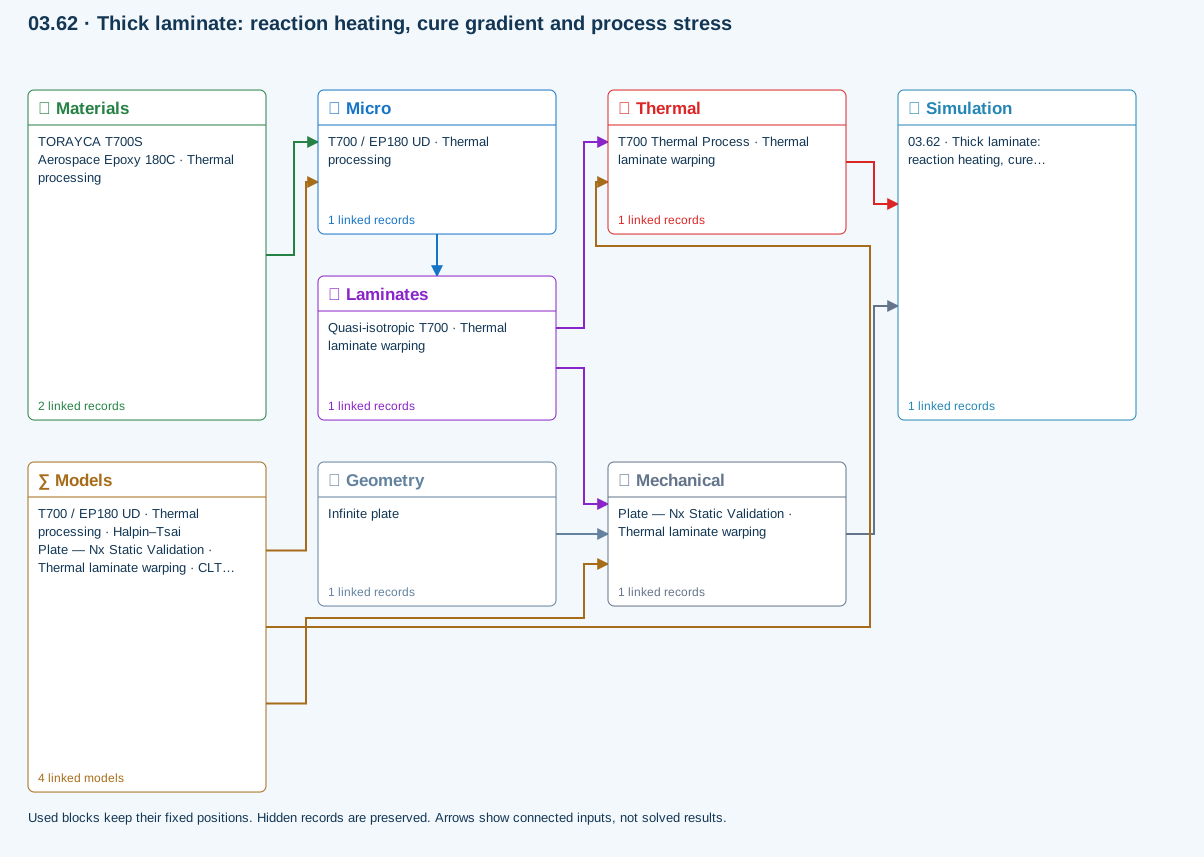
Only models assigned to records used by this exercise are listed here. The full-layout option preserves the supplied starter records; no Workbench records are changed.
One compatible homogenization model per Micro recipe. Separate recipes compare models; their predictions are not blended.
∑ Theory & assumptionsShared laminate stiffness drives this membrane/CLT path. Failure criteria are independent comparisons, not blended models. Fatigue is a separate assessment.
∑ Theory & assumptionsNeeds linked laminate properties and a compatible process schedule. A linked cycle is not a solved temperature history.
∑ Theory & assumptionsPrimary ply criterion for Plate — Nx Static Validation · Thermal laminate warping. Envelope comparisons are independent; criteria are not blended.
∑ Theory & assumptionsMicro → Laminates
Predicted ply stiffness, strength, density and expansion properties.
Materials → Micro
Constituent stiffness, strength, density and thermal / moisture properties.
Mechanical → Simulation
SIMULATION selects this case and its analysis model; the case owns its applicable cycle and input references.
Laminates → Mechanical
Ply angles and thicknesses, stiffness, mass and ply properties.
Geometry → Mechanical
Part shape and dimensions, thickness or section definition, and model-specific geometric inputs. Each selected case consumes only the dimensions its model supports.
Thermal → Simulation
SIMULATION selects this case and its analysis model; the case owns its applicable cycle and input references.
Laminates → Thermal
Ply angles and thicknesses, stiffness, mass and ply properties.
Models → Micro
Applied model assignment: Halpin–Tsai. Model parameters and formulation are used by Micro.
Models → Mechanical
Applied model assignment: CLT · Linear static with failure indices. Model parameters and formulation are used by Mechanical.; Maximum stress
Models → Thermal
Applied model assignment: 1D transient heat transfer. Model parameters and formulation are used by Thermal.
Run the 6 mm laminate through the 120°C dwell with its linked resin reaction heat.
Models: Heat transfer · Classical laminate theory · Extension–bending coupling · Thermomechanical coupling
Teaching inputs, not qualified allowables. Sequential coupling transfers the reported thermal/moisture state to laminate mechanics; it is not simultaneous 3D multiphysics. Inspect the transferred state and reference values before interpreting stress or curvature. Free laminate CLT curvature, not fixture-constrained distortion, a full tool-release simulation or calibrated cure-shrinkage prediction.
03.4 / Workflow focus
Connected engineering recordThermal and moisture loads each need compatible material properties, a laminate, initial conditions and their own surface schedule.
Choose the steady or transient transport model for the study. Transient histories resolve the supported one-dimensional through-thickness problem.
Assigned calibrated material laws govern supported polymer-state calculations. UV cure needs its exposure inputs; pultrusion needs the distance/time relationship and pulling speed.
A process schedule alone is not a solved history. Only compatible coupled analyses consume recovered environmental fields; reference-elastic studies remain separate.
The separate free-release CLT study uses prescribed temperatures and effective shrinkage. It is not a tool-contact simulation or an automatic transfer of the thermal cure history.
Compare bounded cycle candidates under supported objectives, save the validation data and rerun the selected candidate.
Use this workflow in Workbench: interactive Blocks, record selections and connection controls →
Connected model layer
Select a model family to follow its inputs, results, theory and exercise. All model families ↗
Follow the connections
Calibrated kinetics, modulus or transport laws and material assignment
Material laws consumed by compatible Micro or transport calculations
Representative exercise: this map shows its supplied records and active connections, not every possible configuration of the model family.
All blocks keep the CREATE / DISCOVER / SIMULATE positions, with Equipment below Geometry; unused records remain disconnected. This changes the view only, not the exercise records.
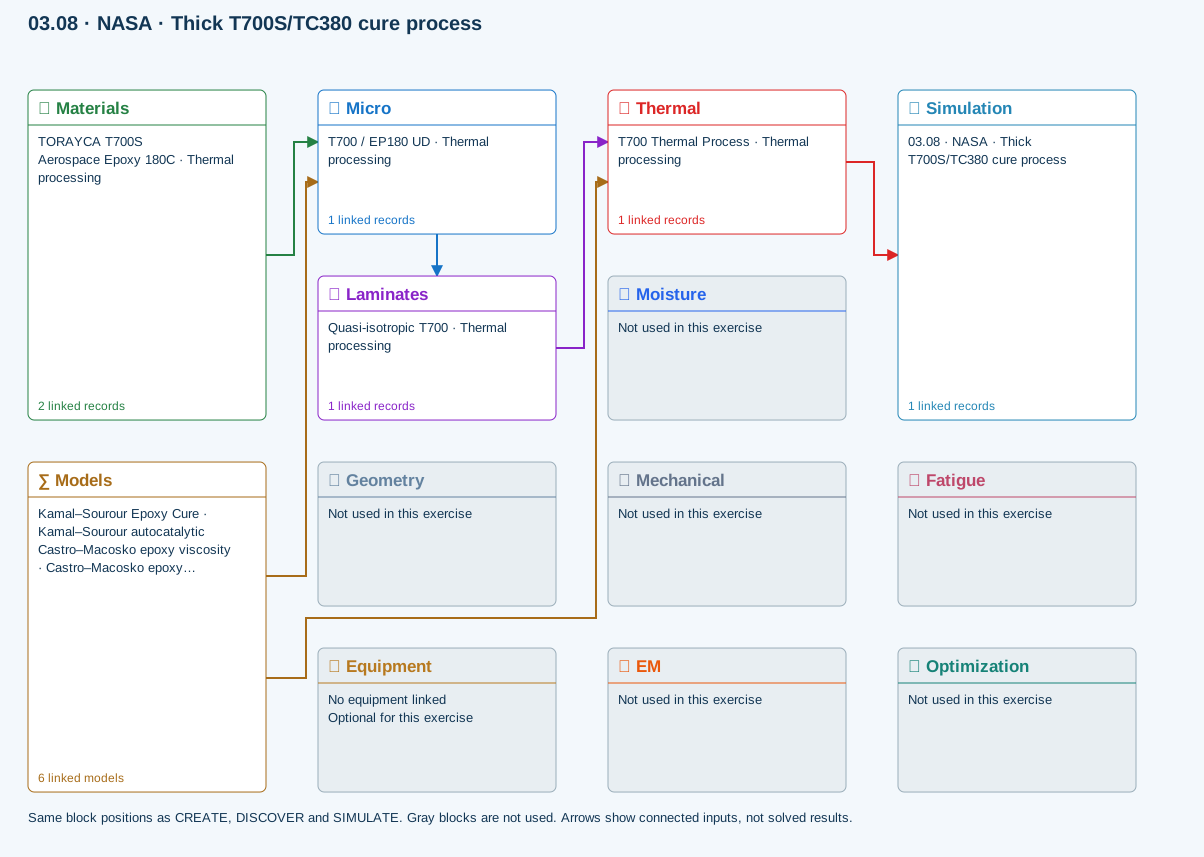
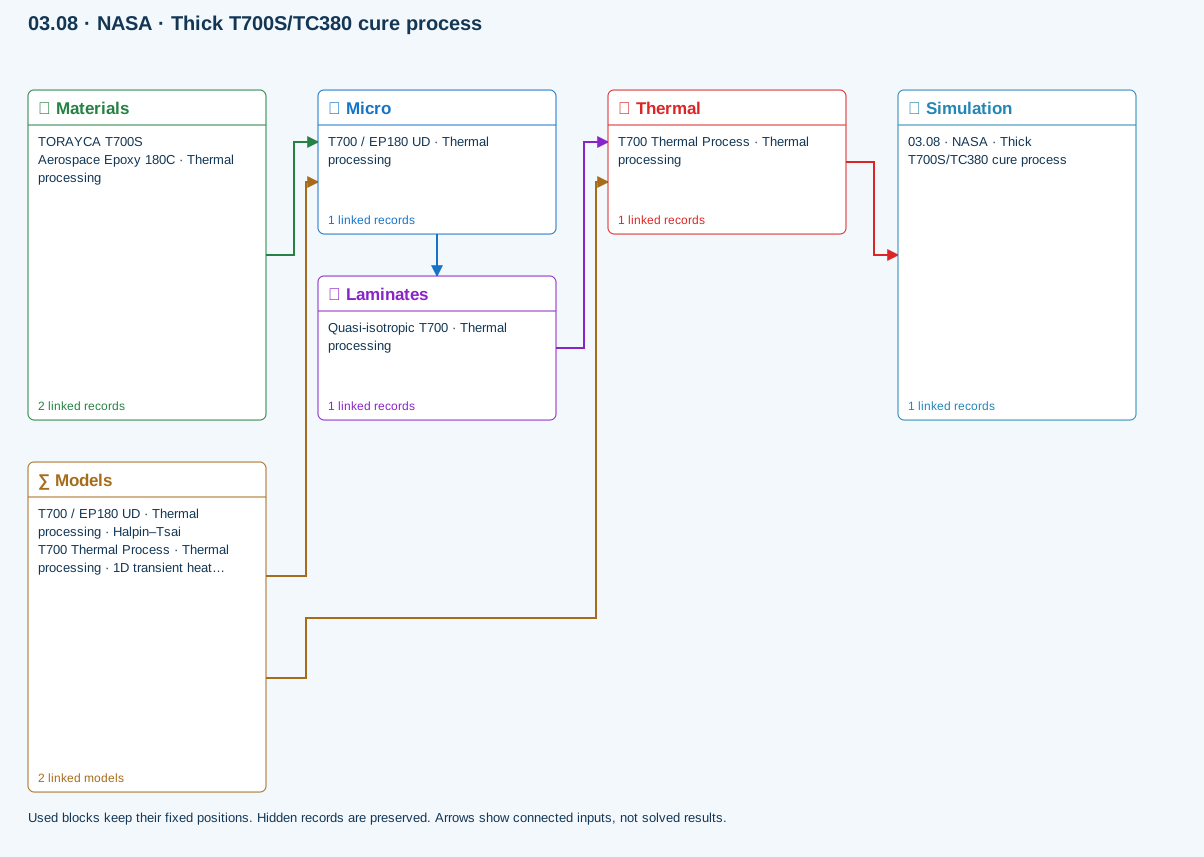
Independent model records can be linked together through material inputs. A saved model must be assigned to a material before it contributes to a simulation.
Models → material-model folders · assigned through Materials